Introduction
Enterprise network hardware forms the backbone of modern business operations. Routers, switches, and servers operate continuously to support enterprise applications, data processing, security systems, and internal communications. Any disruption in this hardware directly impacts productivity, customer experience, and business continuity.
Despite being designed for long-term use, enterprise network hardware is often replaced earlier than necessary. In most cases, failures are not caused by manufacturing defects but by poor planning, lack of maintenance, unstable environments, or delayed repairs. These avoidable issues significantly shorten hardware lifespan and increase IT costs.
Understanding how to extend the life of enterprise network hardware allows organizations to reduce downtime, optimize budgets, and extract maximum value from their infrastructure investments.
1. Proper Capacity Planning
Proper capacity planning is the foundation of long hardware life. Enterprise network hardware that consistently operates beyond its designed capacity experiences higher thermal stress and accelerated component wear.
Capacity planning ensures:
- Network traffic growth is anticipated
- Devices operate within safe performance limits
- Workloads are evenly distributed
When routers, switches, and servers are correctly sized for current and future demands, their internal components remain stable and reliable for longer periods.
2. Correct Deployment and Configuration
Correct deployment directly impacts the reliability of enterprise network hardware.
Best deployment practices include:
- Using stable and supported firmware versions
- Correct interface and routing configuration
- Adequate rack spacing for airflow
- Implementing redundancy for critical paths
Incorrect configuration may not cause immediate failure, but it gradually weakens hardware stability. Over time, this leads to frequent outages and reduced hardware lifespan.
3. Preventive Maintenance Scheduling
Preventive maintenance is one of the most effective ways to extend the life of enterprise network hardware.
This includes:
- Scheduled health checks
- Cleaning dust from internal components
- Inspecting fans and power supplies
- Reviewing system logs for early warnings
Organizations that follow preventive maintenance schedules experience fewer unexpected failures and longer equipment service life compared to reactive environments.
4. Power Quality and Electrical Protection
Power instability is a silent threat to enterprise network hardware.
Essential power protections include:
- Stable power supply
- Proper grounding
- UPS systems
- Surge protection
Voltage fluctuations and power spikes slowly damage internal circuits, even if no immediate failure is visible. Over time, poor power quality significantly shortens hardware lifespan.
5. Temperature and Environment Control
Enterprise network hardware is highly sensitive to heat and humidity.
Maintaining proper environmental conditions involves:
- Adequate cooling and airflow
- Controlled humidity levels
- Proper server room layout
Excessive heat accelerates component aging and increases failure probability. Environmental control is critical for long-term hardware stability.
6. Firmware Stability Management
Frequent firmware changes often introduce instability rather than improvement.
Best practices focus on:
- Using tested and stable firmware versions
- Avoiding unnecessary upgrades
- Maintaining configuration backups
Stability and consistency are more important than frequent updates when the goal is to extend enterprise network hardware life.
7. Continuous Performance Monitoring
Continuous monitoring helps identify issues before they become failures.
Effective monitoring tracks:
- CPU and memory utilization
- Interface errors
- Temperature alerts
- Power supply health
Early detection allows corrective action before hardware damage occurs, reducing both downtime and repair costs.
8. Repair Instead of Immediate Replacement
Many enterprise network hardware failures are repairable.
Common repairable components include:
- Power supply units
- Fan modules
- Interface cards
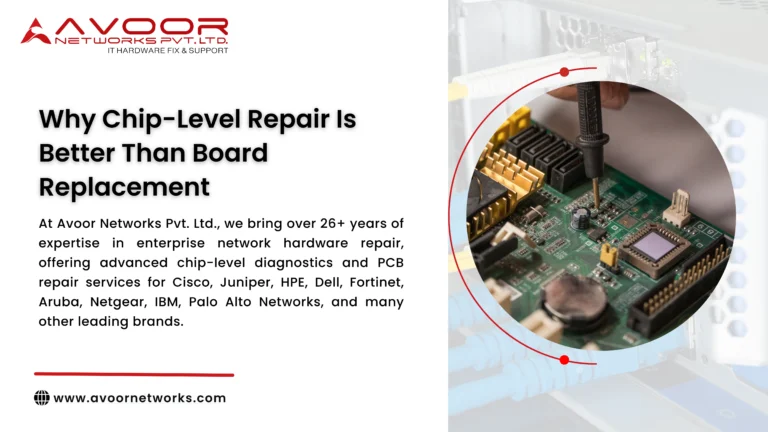
- Chip-level components
Professional repair restores reliability at a fraction of replacement cost and significantly extends the usable life of enterprise network hardware.
9. Lifecycle-Based Upgrade Planning
Upgrades do not always require full hardware replacement.
Lifecycle-based planning includes:
- Selective module upgrades
- Capacity expansion
- Phased replacement for aging equipment
This approach maintains performance while maximizing the value of existing enterprise network hardware investments.
Enterprise Hardware Support by Avoor Networks Pvt Ltd
Avoor Networks Pvt Ltd supports enterprises in extending the life of enterprise network hardware through structured lifecycle services.
With 26+ years of experience, the company provides:
- Enterprise router, switch, and server support
- Preventive and corrective maintenance
- Chip-level hardware repair
- AMC and CAMC services
- Support for end-of-life equipment
- Pan-India on-site and remote assistance
This end-to-end support model helps enterprises reduce downtime and maintain stable IT operations.
Conclusion
Extending the life of enterprise network hardware is not about delaying upgrades blindly. It is about making informed decisions across planning, deployment, maintenance, monitoring, and support stages.
By following these nine proven practices, organizations can significantly reduce downtime, control IT costs, and improve infrastructure reliability. When managed correctly, enterprise routers, switches, and servers can deliver consistent performance far beyond their expected lifespan.
In today’s uptime-driven business environment, effective enterprise network hardware management is a strategic advantage, not just an IT responsibility.