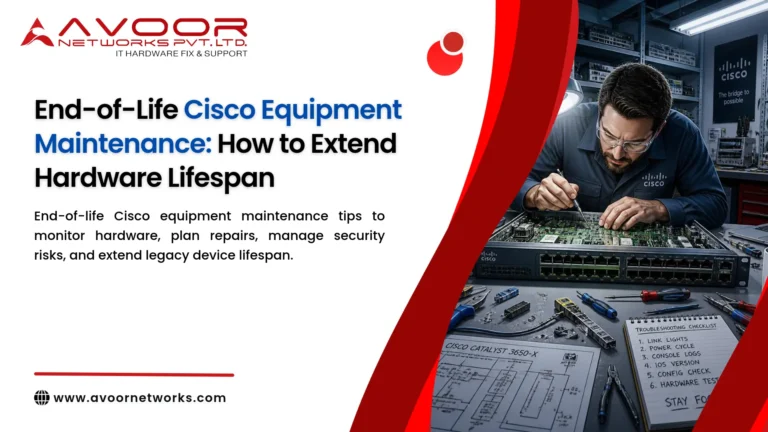
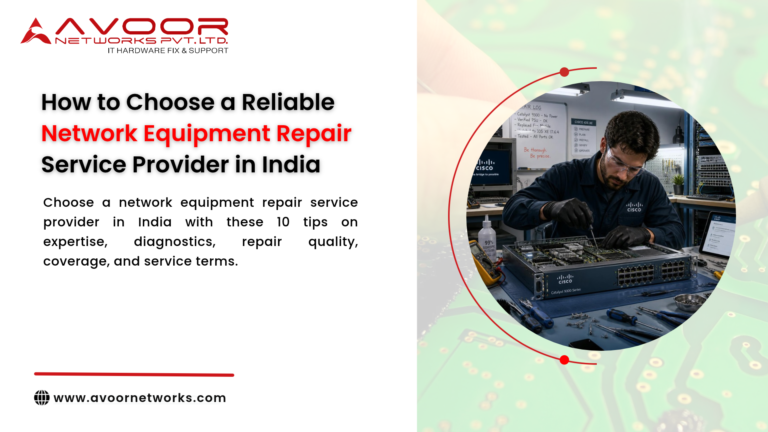
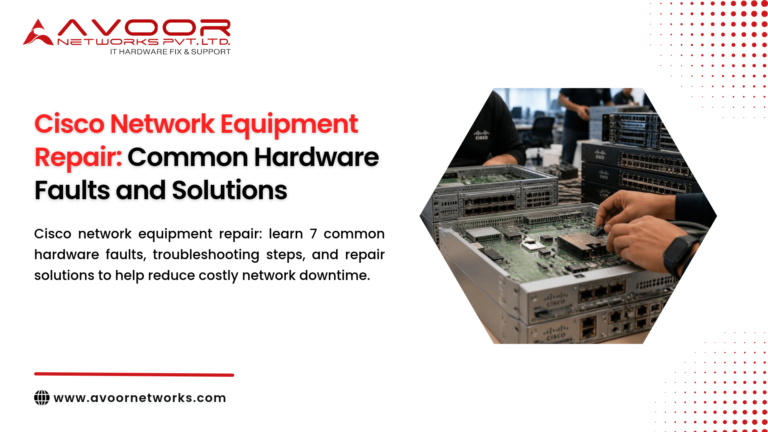
Cisco Juniper HPE Network Equipment Repair is an important service for businesses that depend on reliable enterprise networking infrastructure. Routers, switches, firewalls, servers, wireless controllers, and other network devices operate continuously and support critical business applications, data centers, cloud connectivity, branch offices, and communication systems.
When enterprise equipment develops a hardware fault, replacing the entire device is not always the most economical option. Professional diagnostics and component-level repair can often restore equipment, reduce downtime, and extend its operational lifespan.
Cisco, Juniper Networks, and HPE are widely used across enterprise IT environments. Their equipment is designed for demanding workloads, but like any electronic hardware, it can eventually experience power failures, overheating, interface problems, component degradation, or other hardware faults.
This complete guide explains what IT Managers, system integrators, data center operators, and businesses should know about Cisco Juniper HPE Network Equipment Repair.
Table of Contents
- Why Enterprise Network Equipment Repair Matters
- Cisco Juniper HPE Network Equipment Repair Explained
- Cisco Network Equipment Repair
- Juniper Network Equipment Repair
- HPE Network Equipment Repair
- Common Hardware Failures
- Chip-Level Repair for Enterprise Equipment
- Repair vs Replacement
- EOL and Legacy Equipment Repair
- Enterprise Network Equipment Repair Process
- Preventive Maintenance Best Practices
- AMC and CAMC Support
- Benefits of Professional Repair
- Why Choose Avoor Networks Pvt. Ltd.
- Frequently Asked Questions
- Conclusion
Why Enterprise Network Equipment Repair Matters
Enterprise networking equipment represents a significant investment for organizations.
A single device may support:
- Internet connectivity
- WAN communication
- LAN infrastructure
- Data center traffic
- Cloud connectivity
- Network security
- Server communication
- Storage connectivity
- Branch office connectivity
- Business-critical applications
When hardware fails, businesses can experience productivity losses, service interruptions, customer impact, and unexpected replacement costs.
Professional repair provides an alternative to immediate replacement when the equipment is technically suitable for continued use.
Cisco Juniper HPE Network Equipment Repair Explained
Cisco Juniper HPE Network Equipment Repair involves the diagnosis, repair, testing, and restoration of enterprise networking hardware manufactured by Cisco, Juniper Networks, and HPE.
Depending on the equipment and fault, professional repair can involve:
- Power supply repair
- Motherboard diagnostics
- PCB-level repair
- Chip-level repair
- Network port repair
- SFP/SFP+ interface repair
- QSFP interface diagnostics
- Fan replacement
- Cooling system maintenance
- Controller repair
- Component replacement
- Firmware recovery where appropriate
- Functional testing
The exact repair process depends on the hardware model and nature of the failure.
Cisco Network Equipment Repair
Cisco networking equipment is widely deployed in enterprise networks and data centers.
Cisco hardware commonly includes:
- Enterprise routers
- Core switches
- Distribution switches
- Access switches
- Data center switches
- Firewalls
- Wireless controllers
- Network modules
Common Cisco Hardware Problems
Cisco equipment can experience:
- No power
- Boot failure
- Repeated rebooting
- Failed Ethernet ports
- SFP/SFP+ port problems
- Fan failure
- Power supply failure
- Overheating
- Motherboard faults
- Interface errors
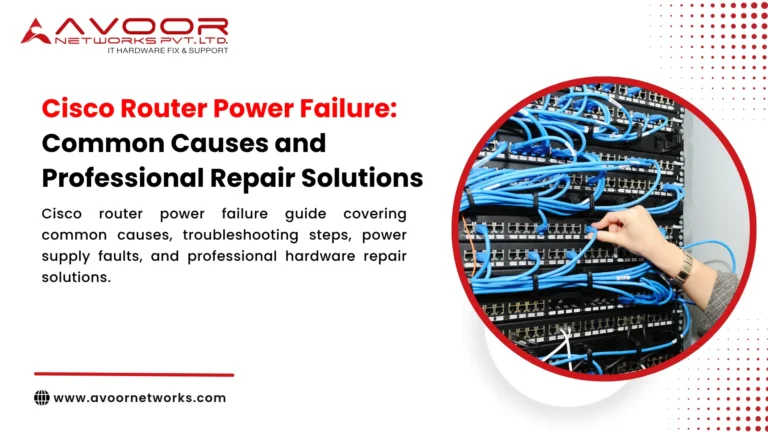
Cisco Router Repair
Cisco router repair may involve diagnosis of:
- Power circuits
- WAN interfaces
- Ethernet interfaces
- Motherboard components
- Memory-related faults
- Flash-related problems
- Cooling systems
Cisco Switch Repair
Switch repair may involve:
- Ethernet port diagnostics
- SFP/SFP+ interface repair
- Power module repair
- Fan replacement
- PCB-level diagnostics
- Component replacement
Professional repair should always include comprehensive functional testing before equipment is returned to service.
Juniper Network Equipment Repair
Juniper Networks equipment is used extensively in enterprise, service provider, telecommunications, and data center environments.
Common Juniper equipment categories include:
- Routers
- Ethernet switches
- Data center switches
- Security appliances
- Network modules
- High-performance routing platforms
Common Juniper Hardware Problems
Typical hardware symptoms can include:
- Power failure
- Boot problems
- Interface failure
- Fan alarms
- Overheating
- Power supply faults
- PCB problems
- Hardware sensor errors
Juniper Router Repair
Professional diagnostics can investigate:
- Power supply circuits
- Interface modules
- Motherboard faults
- Memory components
- Cooling systems
- Communication interfaces
Juniper Switch Repair
Switch repair can involve:
- Ethernet port testing
- SFP/QSFP interface testing
- Power module inspection
- Fan diagnostics
- PCB-level repair
- Component-level repair
HPE Network Equipment Repair
HPE provides a broad range of enterprise IT infrastructure, including networking equipment, servers, and data center hardware.
HPE-related repair requirements may involve:
- Enterprise switches
- Network modules
- Servers
- Storage systems
- Power supplies
- Controllers
- Cooling components
Common HPE Hardware Problems
IT teams may encounter:
- Device not powering on
- Boot failures
- Power supply alarms
- Fan failures
- Memory errors
- Network interface problems
- Controller failures
- Overheating
HPE Switch Repair
HPE switch repair can include:
- Port diagnostics
- Power supply repair
- Fan replacement
- PCB diagnostics
- Component-level repair
- Functional testing
HPE Server Repair
Server hardware repair may include:
- Motherboard diagnostics
- RAID controller repair
- Power supply replacement
- Memory diagnostics
- Cooling system maintenance
- Backplane inspection
Common Hardware Failures Across Cisco, Juniper and HPE Equipment
Regardless of manufacturer, enterprise networking equipment can experience similar physical problems.
1. Power Supply Failure
Power supplies operate continuously and can deteriorate over time.
Symptoms may include unexpected shutdowns, failure to boot, or power-related alarms.
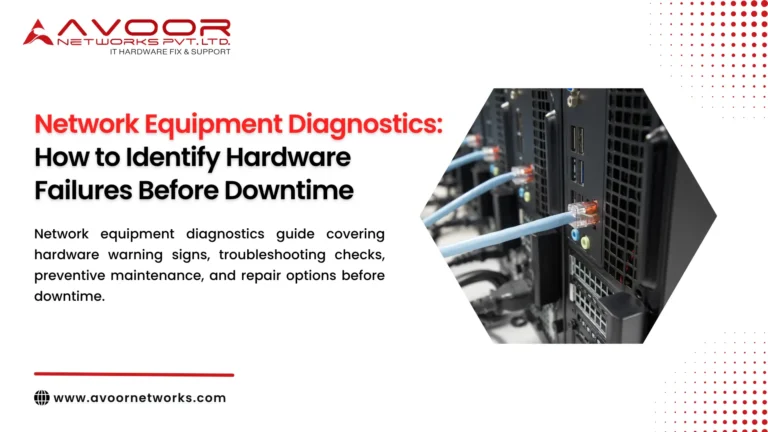
2. Overheating
Excessive temperature can result from:
- Failed fans
- Blocked airflow
- Dust
- High ambient temperature
- Internal component problems
- Cisco Juniper HPE Network Equipment Repair
3. Network Port Failure
Individual Ethernet, SFP, SFP+, or QSFP interfaces can fail because of electrical or physical damage.
4. Motherboard Failure
PCB components may deteriorate because of heat, voltage fluctuations, component aging, or electrical events.
5. Boot Failure
Boot problems may originate from firmware, flash storage, memory, power circuits, or motherboard faults.
6. Fan Failure
Cooling fan problems can cause temperature increases and eventually lead to more serious hardware damage.
7. Controller Failure
Servers and storage systems may experience failures involving RAID, storage, or network controllers.
Chip-Level Repair for Cisco, Juniper and HPE Equipment
Chip-level repair is a specialized technique that focuses on repairing individual electronic components rather than replacing the entire PCB or motherboard.
Depending on the equipment and fault, engineers may inspect:
- Power management ICs
- Voltage regulators
- MOSFETs
- Capacitors
- Resistors
- Memory components
- Network interface controllers
- Controller ICs
- Connectors
- Other PCB components
The advantage is that a repairable component failure does not necessarily require replacement of the entire board.
However, chip-level repair should only be performed after detailed diagnostics. The repair provider should also evaluate equipment reliability, security requirements, lifecycle status, and the availability of replacement hardware.
Repair vs Replacement: Which Is Better?
One of the most important decisions for IT Managers is determining whether to repair or replace faulty equipment.
| Consider Repair When | Consider Replacement When |
|---|---|
| Hardware meets current performance requirements | Performance is inadequate |
| Fault is isolated and repairable | Failures are recurring |
| Repair cost is economical | Repair approaches replacement cost |
| Equipment supports a legacy environment | Security requirements cannot be met |
| Replacement hardware has a long lead time | Reliable spare parts are unavailable |
| Device is otherwise healthy | Equipment creates significant business risk |
Repair is not always the answer.
For example, a device may be physically repairable but no longer suitable from a security, performance, or lifecycle perspective.
EOL and Legacy Cisco, Juniper & HPE Equipment Repair
Enterprise hardware often remains operational beyond its manufacturer’s End-of-Life or End-of-Support date.
Businesses may continue using legacy equipment because:
- Replacement costs are high
- Migration is complex
- Existing applications depend on it
- Replacement hardware has long lead times
- The equipment still meets current requirements
Third-party Cisco Juniper HPE Network Equipment Repair can help organizations maintain suitable legacy infrastructure.
However, IT Managers should separately evaluate security updates, software support, spare availability, redundancy, and long-term replacement plans.
Enterprise Network Equipment Repair Process
At Avoor Networks Pvt. Ltd., repair follows a structured process.
Step 1: Equipment Assessment
We collect the equipment model, reported fault, operating history, and available information.
Step 2: Detailed Diagnostics
Engineers perform hardware and functional testing to identify the root cause.
Step 3: Repair Feasibility Analysis
We determine whether repair is technically possible and commercially sensible.
Step 4: Component-Level Repair
Where appropriate, faulty components or circuits are repaired or replaced.
Step 5: Firmware Recovery
Firmware or system recovery may be performed where required and technically appropriate.
Step 6: Functional Testing
The equipment is tested under operational conditions.
Step 7: Quality Verification
Critical interfaces, power systems, cooling systems, and other relevant functions are verified.
Step 8: Safe Delivery
The repaired equipment is securely packed and returned to the customer.
Preventive Maintenance Best Practices
Regular maintenance can reduce unexpected equipment failures.
IT Managers should:
- Monitor device temperatures
- Inspect cooling fans
- Check power supplies
- Review hardware logs
- Monitor interface errors
- Back up configurations
- Maintain spare equipment
- Keep network diagrams updated
- Track EOL/EOS dates
- Test redundancy
- Inspect rack airflow
- Maintain accurate asset records
A structured Network Hardware Maintenance Checklist can make these activities easier to manage.
AMC and CAMC Support
Organizations with large hardware inventories can consider Annual Maintenance Contracts.
AMC Services
Depending on the agreed scope, AMC services may include:
- Preventive maintenance
- Hardware diagnostics
- Scheduled inspections
- Repair support
- Technical assistance
CAMC Services
Comprehensive Annual Maintenance Contracts may provide broader coverage depending on contractual terms, including additional repair and parts support.
AMC and CAMC programs can help organizations establish predictable maintenance processes and reduce the impact of unexpected hardware failures.
Benefits of Professional Cisco, Juniper & HPE Equipment Repair
Professional repair services can provide several advantages.
Lower Hardware Costs
Repairing a faulty component can be more economical than replacing an entire device.
Reduced Downtime
Experienced diagnostics can shorten the time required to identify hardware faults.
Extended Equipment Life
Repair can keep suitable enterprise equipment operational for longer.
Support for Legacy Infrastructure
Specialized repair can help maintain older equipment when OEM options are limited.
Reduced Electronic Waste
Repairing equipment instead of unnecessarily replacing it can reduce e-waste.
Multi-Brand Expertise
A multi-brand service provider simplifies support for organizations operating mixed-vendor infrastructure.
Why Choose Avoor Networks Pvt. Ltd.?
With more than 26 years of industry experience, Avoor Networks Pvt. Ltd. provides professional enterprise hardware repair and maintenance services across India.
Our capabilities include:
- Cisco Network Equipment Repair
- Juniper Network Equipment Repair
- HPE Network Equipment Repair
- Router Repair
- Switch Repair
- Firewall Hardware Repair
- Server Repair
- Storage Repair
- Chip-Level Repair
- EOL and Legacy Equipment Support
- Refurbished Networking Equipment
- AMC Services
- CAMC Services
- Preventive Maintenance
- Multi-Brand Enterprise Hardware Support
- PAN India Pickup and Delivery
Our objective is to provide a practical repair, refurbishment, or replacement recommendation based on the actual condition and requirements of the equipment.
Conclusion
Cisco Juniper HPE Network Equipment Repair provides businesses with a practical way to maintain valuable enterprise infrastructure when hardware develops faults. Professional diagnostics can identify whether a router, switch, server, or other device can be repaired rather than immediately replaced.
For IT Managers, the decision should consider more than the age of the equipment. Hardware condition, performance, security, EOL status, spare availability, repair cost, redundancy, and long-term infrastructure strategy should all be evaluated.
With more than 26 years of experience, Avoor Networks Pvt. Ltd. provides multi-brand enterprise hardware repair, chip-level diagnostics, preventive maintenance, EOL support, refurbished equipment, AMC/CAMC services, and PAN India support.
Need Cisco, Juniper or HPE Equipment Repair?
Before replacing a faulty enterprise device, get it professionally diagnosed.
Contact Avoor Networks Pvt. Ltd. for expert Cisco Juniper HPE Network Equipment Repair, router and switch repair, chip-level diagnostics, server and storage repair, preventive maintenance, and PAN India service support.