Introduction
Cisco network equipment supports critical business operations across data centers, enterprise offices, healthcare facilities, manufacturing environments, and service-provider networks. Routers, switches, firewalls, wireless devices, and other Cisco hardware help keep applications connected and business data flowing.
When a device develops a hardware fault, the impact can range from a single failed port to a major network outage. Understanding common problems and the available repair options helps IT teams respond quickly, reduce unnecessary replacement costs, and maintain reliable infrastructure.
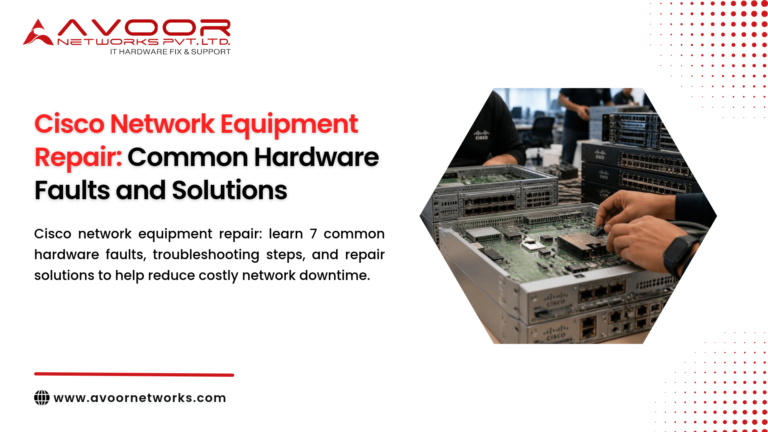
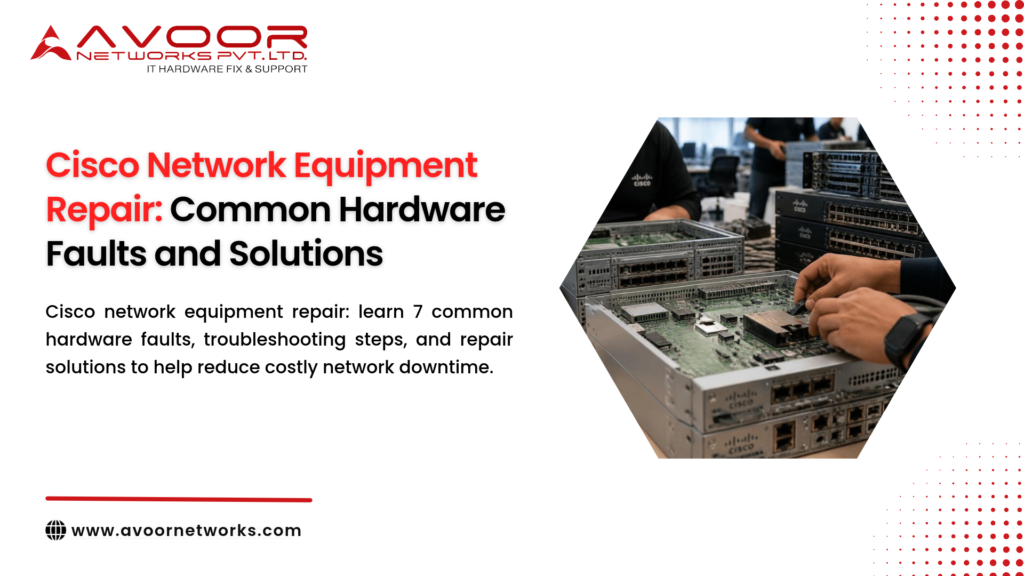
Cisco network equipment repair involves diagnosing hardware faults, identifying the affected components, performing appropriate repairs or replacements, and testing the equipment Cisco network equipment repair before it returns to service.
Avoor Networks Pvt Ltd provides multi-brand enterprise network hardware repair, including Cisco router, switch, firewall, and related equipment support. Our services include chip-level PCB repair, power supply repair, spare-part support, preventive maintenance, AMC and CAMC services, and PAN-India pickup and delivery.
Common Cisco Network Equipment Hardware Faults
1. Power Supply Failure
Power supply problems can cause a Cisco device to shut down, reboot unexpectedly, or fail to start.
Possible causes include:
- Aging electronic components
- Electrical surges or unstable input power
- Overheating
- Failed internal power circuits
- Faulty power cables or connections
Solution: Check the power source, cables, PSU indicators, and available redundancy. If the problem persists, a qualified technician can test the power supply and determine whether it needs repair or replacement.
2. Overheating and Fan Failure
Cisco routers and switches rely on cooling systems to maintain suitable operating temperatures. Failed fans, blocked vents, dust accumulation, or poor rack airflow can lead to thermal warnings and unexpected shutdowns.
Solution: Check fan status, airflow, equipment temperature, and the surrounding rack environment. Replace defective cooling components and address environmental causes before returning the device to normal operation.
3. Network Port or Interface Failure
A faulty Ethernet or fiber interface may cause link loss, packet errors, intermittent connectivity, or reduced performance.
Potential causes include damaged connectors, defective transceivers, cable problems, or faults in the interface circuitry.
Solution: Test with a known-good cable or compatible transceiver where possible. Review interface counters and logs. If the fault follows the port, professional diagnostics can determine whether the port circuitry or PCB requires repair.
4. Boot Failure or Continuous Restarting
A Cisco device that becomes stuck during startup or repeatedly restarts may have a Cisco network equipment repair software, configuration, power, memory, or hardware problem.
Solution: Record console messages and system logs, and review recent changes. Avoid repeated power cycling when electrical damage or overheating is suspected. A technician can isolate the Cisco network equipment repair cause and determine whether hardware repair is required.
5. PoE Failure
Power over Ethernet (PoE) switches supply power to devices such as IP phones, wireless access points, and IP cameras. A PoE fault may affect connected devices even when the switch continues to pass network traffic.
Solution: Check PoE status, power budget, port configuration, and connected-device requirements. If the issue is hardware-related, diagnostics may identify a failed PoE controller or power circuit.
6. PCB and Motherboard Faults
The printed circuit board (PCB) contains essential power, processing, and communication circuits. Damage may result from electrical events, component degradation, overheating, or physical damage.
Solution: A specialist can inspect and test the affected board. Where technically feasible, chip-level repair may address defective ICs, MOSFETs, capacitors, voltage regulators, connectors, or PCB traces without replacing the entire board.
7. Memory or Storage-Related Problems
Depending on the device, memory or internal storage faults can contribute to boot errors, crashes, unexpected restarts, or system instability.
Solution: Review diagnostic messages and logs, then follow model-specific service procedures. Hardware testing is needed to distinguish a defective component from software corruption or configuration issues.
How to Troubleshoot Before Calling a Technician
Basic checks can help IT teams collect useful information without risking further damage.
- Identify the affected device: Record the model, serial number, and hardware revision.
- Document the symptoms: Note when the issue began, what stopped working, and whether the problem is intermittent.
- Check power and cabling: Inspect external connections and verify the power source.
- Review indicators and logs: Record warning LEDs, console messages, and relevant system events.
- Check temperature and fans: Look for overheating, blocked airflow, or fan alarms.
- Check redundancy: Determine whether another PSU, link, device, or network path is available.
- Review recent changes: Note firmware, configuration, maintenance, or environmental changes.
Do not open energized equipment or attempt component-level electrical repairs without suitable training and equipment. Cisco network equipment repair. Stop troubleshooting if there is smoke, a burning smell, visible damage, or suspected electrical overheating.
Chip-Level Repair vs. Board Replacement
A complete board replacement is not always necessary when a Cisco device develops a hardware fault. If diagnostics identify a repairable component-level issue, chip-level repair may be a practical alternative.
| Consideration | Chip-Level Repair | Board Replacement |
|---|---|---|
| Repair method | Repairs the faulty circuit or component | Replaces the complete board |
| Parts requirement | Requires suitable components and repair expertise | Requires a compatible replacement board |
| Cost | May be lower, depending on the fault | Can be higher, depending on board availability |
| Best suited for | Localized, repairable PCB faults | Extensive damage or uneconomical repairs |
The correct option depends on the exact model, fault, component availability, and required reliability. Repair should be followed by suitable functional testing.
When Should Cisco Equipment Be Repaired or Replaced?
Repair may be suitable when the fault is identifiable, the equipment still meets business requirements, and repair is reliable and economical.
Replacement should be considered when:
- Hardware failures are recurring.
- Required parts are unavailable.
- Performance no longer meets operational needs.
- The equipment has reached an unsuitable lifecycle stage.
- Security or compliance requirements cannot be met.
- The risk of continued operation is unacceptable.
Hardware repair does not restore discontinued OEM software updates, security patches, licensing, or manufacturer support. Include these factors in the repair-versus-replace decision.
Preventive Maintenance for Cisco Network Equipment
Preventive maintenance helps identify developing faults before they cause an outage. A practical program can include:
- Inspecting equipment and connections
- Monitoring temperature and fan status
- Checking PSU and hardware alarms
- Reviewing interface errors and system logs
- Keeping suitable critical spare parts
- Maintaining configuration backups
- Tracking hardware lifecycle and support status
- Recording repairs and recurring issues
For business-critical networks, preventive maintenance should complement redundancy, monitoring, and documented recovery procedures.
Why Choose Avoor Networks Pvt Ltd?
Avoor Networks Pvt Ltd provides enterprise network hardware repair and maintenance services with 26+ years of industry experience.
Our capabilities include:
- Cisco Router and Switch Repair
- Cisco network equipment repair
- Firewall Hardware Repair
- Chip-Level PCB Repair
- Power Supply Repair
- Network Hardware Spare Parts Support
- EOL and Legacy Hardware Support
- Server and Storage Hardware Repair
- AMC and CAMC Services
- Refurbished Network Equipment
- Rental and Leasing Solutions
- PAN-India Pickup and Delivery
We support multiple enterprise hardware brands. Support availability depends on the specific model, fault, and parts required.
Conclusion
Cisco network equipment faults can affect connectivity, applications, and business continuity. Power supply failures, overheating, interface problems, boot issues, PoE faults, PCB damage, and memory or storage problems are among the hardware issues IT teams may encounter.
A structured approach starting with safe troubleshooting and followed by professional diagnosis helps determine whether the equipment needs component-level repair, spare-part replacement, or a planned upgrade.
With Cisco network equipment repair and preventive maintenance from Avoor Networks Pvt Ltd, organizations can evaluate practical recovery options, reduce avoidable replacement costs, and support reliable enterprise network operations.