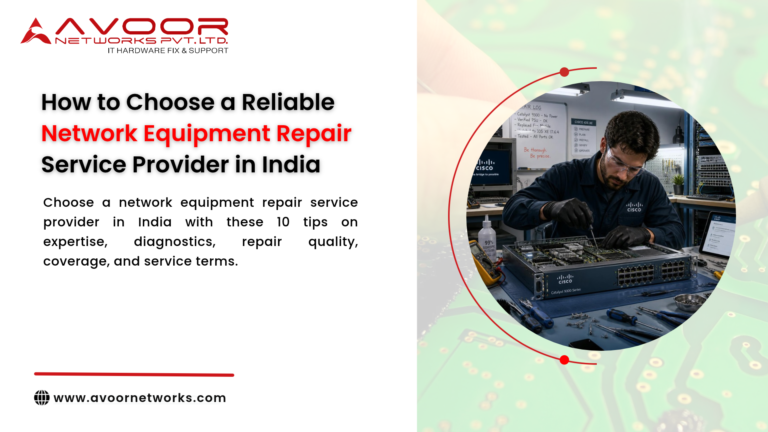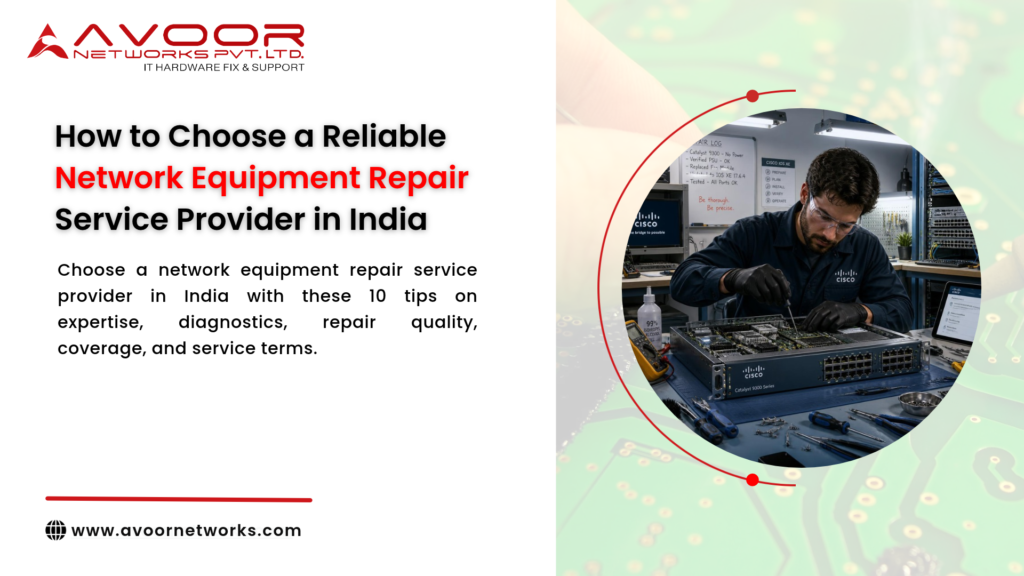
Choosing a reliable network equipment repair service provider in India is important for businesses that depend on stable connectivity, secure communications, and continuous access to IT systems. A failed router, switch, firewall, or other network device can disrupt users, applications, and business operations.
The right repair partner should offer more than a quick fix. It should have relevant technical expertise, a clear diagnostic process, dependable communication, and repair options suited to your equipment and business requirements. This guide explains what IT managers, system integrators, and enterprise teams should evaluate before selecting a network hardware repair provider.
1. Network equipment repair service provider in India
Network devices differ in design, operating requirements, and failure patterns. A provider experienced in enterprise equipment is more likely to understand the diagnostic needs of routers, switches, firewalls, servers, and storage systems.
Ask whether the provider has experience with your device category, model, and fault type. Relevant experience may include:
- Router and switch hardware repair
- network equipment repair service provider in India
- network equipment repair service provider in India
- Firewall hardware assessment
- Server and storage equipment repair
- Power supply and cooling-related faults
- Interface, port, and connectivity problems
- PCB and component-level diagnostics
A provider should be able to explain its experience clearly without making unsupported claims about equipment it does not service.
2. Confirm Multi-Brand Support
Many organizations operate equipment from multiple manufacturers. Working with a provider that supports several brands can simplify service coordination, especially when different devices are maintained across offices or data centers.
Before engaging a provider, confirm support for the specific manufacturer and model. Common enterprise brands include Cisco, Juniper, HPE, Dell, Fortinet, Aruba, Palo Alto Networks, and others.
Important: Multi-brand repair capability does not automatically mean a provider is authorized by each OEM. If OEM authorization is a requirement in your contract or procurement process, verify it separately.
3. Understand the Diagnostic Process
A reliable repair provider should explain how it identifies the fault before recommending a repair or replacement.
Ask whether its process includes:
- Recording the reported symptoms and device details
- Inspecting the appliance and checking its condition
- Performing suitable hardware diagnostics
- Identifying the likely faulty component or circuit
- Explaining the proposed repair and its limitations
- Testing the device after repair, where feasible
- Providing a service report
A clear diagnostic process helps your IT team understand what failed and make an informed decision.
4. Evaluate Repair Capabilities and Options
Not every fault requires the same repair method. Depending on the device and fault, the provider may recommend replacing a field-replaceable module, repairing a board, performing component-level work, or replacing the equipment.
Ask whether the provider can assess:
- Power supply and power circuitry faults
- Fan and thermal issues
- Damaged or unstable interfaces
- PCB-level faults
- Boot or hardware initialization problems
- Component availability and repair feasibility
The provider should explain when repair is practical and when replacement is the safer or more economical option. Component-level repair may not be feasible for every model or fault.
5. Ask About Testing After Repair
A repair should not be considered complete solely because the device powers on. Ask what checks are performed after service and whether the provider can share the results.
Depending on the equipment and fault, testing may include power-on checks, hardware diagnostics, interface checks, thermal observation, or other suitable functional tests.
Confirm the scope of testing in advance. A hardware repair does not necessarily include configuration restoration, software updates, licensing, or validation of the entire production network.
6. Check Service Coverage and Logistics Across India
For organizations with offices in multiple cities, logistics can be an important part of repair planning. Confirm whether the provider offers pickup and delivery in your locations and how equipment is tracked during transit.
Discuss:
- Service coverage for your locations
- Packaging and transit responsibilities
- Device identification and tracking
- Estimated diagnostic and repair timelines
- Communication during the service process
- Procedures for urgent or business-critical equipment
Avoid relying on a general nationwide service claim without confirming coverage for your specific location and device.
7. Review Communication and Documentation
Good communication helps IT teams plan around equipment downtime. A professional provider should explain the fault, recommended action, expected costs, and any limitations in understandable terms.
Before sending equipment, agree on the documentation you need, such as:
- Service request or job reference
- Device make, model, and serial number
- Reported fault and diagnostic findings
- Repair recommendation and quotation
- Testing summary
- Warranty terms, if offered
- Return and delivery details
For security-sensitive devices, clarify configuration access, data handling, and any requirements for removing or protecting stored information.
8. Understand Warranty, Pricing, and Repair Terms
Compare providers on the complete service scope, not just the initial quotation. A low price may not include all required diagnostics, parts, testing, logistics, or warranty coverage.
Ask for written clarification of:
- Diagnostic or inspection charges
- Parts and labor included in the quotation
- Additional costs that may arise
- Repair warranty coverage and exclusions
- What happens if the device cannot be repaired
- Whether approval is required before extra work begins
Warranty terms vary by provider, component, and repair type. Read the actual terms rather than assuming that every repair includes the same coverage.
9. Consider AMC and Preventive Maintenance Support
If your organization manages many devices, a one-time repair arrangement may not address all maintenance needs. Ask whether the provider also offers annual maintenance contracts (AMC), comprehensive annual maintenance contracts (CAMC), preventive inspections, or spare-parts support.
These services may help organizations plan maintenance and coordinate support across multiple locations. Confirm the contract’s exact scope, response commitments, exclusions, and supported equipment list before signing.
10. Assess End-of-Life and Legacy Equipment Support
Older equipment may remain in use because of budget constraints, compatibility requirements, or a planned migration timeline. A repair provider may be able to assess legacy hardware, but repairability and parts availability can vary.
For end-of-life or end-of-support devices, consider:
- Whether compatible parts are available
- Whether repair is technically feasible
- The business risk of continued operation
- Security updates and OEM support status
- A practical replacement or migration plan
Third-party hardware repair does not restore OEM software updates, security patches, or vendor support.
Questions to Ask Before Choosing a Provider
Use these questions when comparing potential service partners:
- Do you support my equipment brand and exact model?
- What diagnostic steps will you perform?
- Will I receive a fault report and repair quotation?
- What testing is included after repair?
- Are parts, labor, pickup, and delivery included in the price?
- What warranty applies, and what are its exclusions?
- network equipment repair service provider in India
- Can you support our locations across India?
- Do you offer AMC/CAMC or preventive maintenance?
- How do you handle configuration access and sensitive equipment?
- What are the options if the device cannot be repaired?
- network equipment repair service provider in India?
Why Choose Avoor Networks Pvt Ltd?
Avoor Networks Pvt Ltd provides multi-brand enterprise network hardware repair and maintenance services for routers, switches, firewalls, servers, and storage equipment. Its service capabilities include hardware assessment, component-level repair where feasible, spare-parts support, and AMC/CAMC services.
With a Bengaluru-based repair depot and PAN-India pickup and delivery, Avoor Networks Pvt Ltd supports businesses, system integrators, and IT teams managing enterprise network infrastructure. Service feasibility depends on the equipment model, fault, and availability of compatible parts.
Contact the team with your device make, model, serial number, fault symptoms, and location to discuss the appropriate service options.
Conclusion
Choosing a reliable network equipment repair service provider in India requires careful evaluation of technical experience, supported brands, diagnostic methods, repair capabilities, testing, logistics, documentation, and service terms.
Ask for clear answers before sending equipment, compare the complete service scope, and make sure the recommended repair aligns with your operational and security requirements. A well-qualified repair partner can help your IT team make informed decisions about restoring equipment, maintaining infrastructure, and planning for replacement when necessary.