Introduction
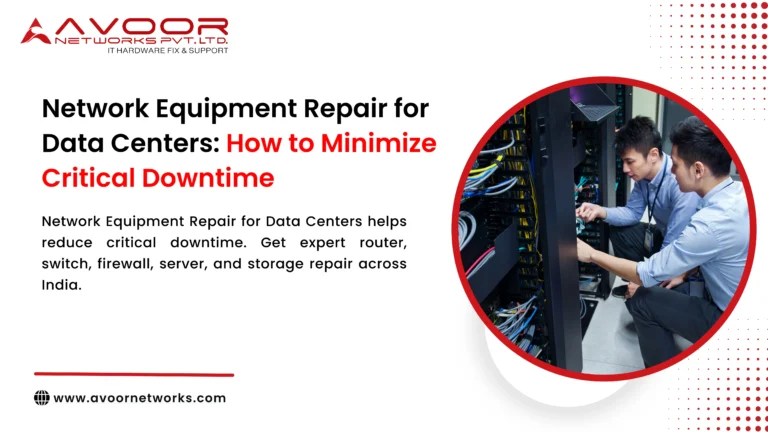
Data centers are expected to provide continuous connectivity for applications, cloud platforms, storage environments, security systems, and enterprise operations. A single failed switch, router, firewall, server, or storage component can interrupt critical services and affect hundreds or thousands of users.
For this reason, network equipment repair for data centers must focus on more than fixing failed hardware. An effective repair strategy should identify faults quickly, restore equipment reliably, prevent recurring failures, and reduce the overall time that critical infrastructure remains unavailable.
At Avoor Networks Pvt Ltd, our 26+ years of experience in enterprise network hardware repair includes chip-level PCB diagnostics, component-level repair, preventive maintenance, AMC and CAMC support, refurbished hardware, and PAN-India pickup and delivery. This guide explains how data centers can minimize critical downtime network equipment repair for data centers through professional repair and proactive maintenance strategies.
Why Network Equipment Reliability Matters in Data Centers
Data center networks connect servers, storage systems, security platforms, applications, and external networks. When a critical device fails, the problem can quickly affect multiple services.
Potential consequences include:
- Application outages
- Loss of network connectivity
- Reduced data availability
- Customer service interruptions
- Employee productivity loss
- SLA impact
- Emergency replacement costs
- Business revenue loss
Reliable hardware maintenance is therefore an important part of overall data center availability planning.
Common Network Equipment Failures in Data Centers
1. Power Supply Failure
Enterprise switches, routers, firewalls, and servers depend on stable power. Power supply problems may result from voltage fluctuations, overheating, aging capacitors, damaged MOSFETs, or internal short circuits.
Typical symptoms include:
- Equipment not powering on
- Unexpected shutdowns
- Repeated restarting
- PSU warning indicators
- Unstable operation
Professional diagnostics can determine whether the PSU, motherboard, or another power circuit is responsible.
2. Switch and Router Hardware Failure
Core and distribution devices network equipment repair for data centers operate continuously under demanding workloads. Hardware faults can affect ports, switching components, memory, power circuits, or the main PCB.
Common symptoms include:
- Dead Ethernet ports
- Interface errors
- Boot failures
- Packet loss
- Intermittent connectivity
- Device restart loops
Fast fault isolation is critical when the affected device supports production traffic.
3. Firewall Hardware Problems
Firewalls are essential components of data center security architecture. A hardware failure may disrupt connectivity or force traffic onto redundant infrastructure.
Problems can include power failures, interface faults, storage issues, cooling failures, and motherboard defects.
Maintaining tested redundancy and access to repair support reduces recovery risk.
4. Overheating and Cooling Problems
Heat is a major enemy of electronic hardware. Failed fans, blocked vents, dust accumulation, poor rack airflow, or excessive ambient temperatures can increase component stress.
Continuous overheating can damage:
- CPUs and ASICs
- Power circuits
- Memory
- Capacitors
- Power supplies
- PCB components
Routine thermal inspection helps detect these problems before equipment fails.
7 Proven Ways Network Equipment Repair for Data Centers Minimizes Downtime
1. Use Advanced Fault Diagnostics
Fast recovery starts with accurate diagnosis.
Engineers should inspect:
- Power rails
- PCB components
- Boot logs
- Interface status
- Temperature conditions
- Power supplies
- Memory and storage components
Accurate fault isolation network equipment repair for data centers prevents unnecessary component or board replacement.
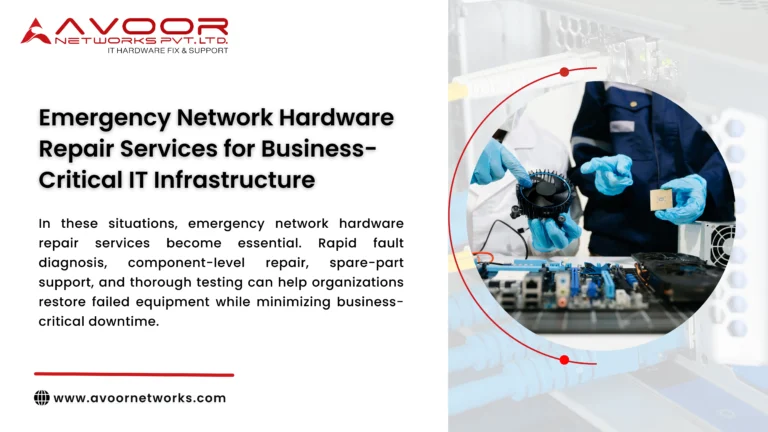
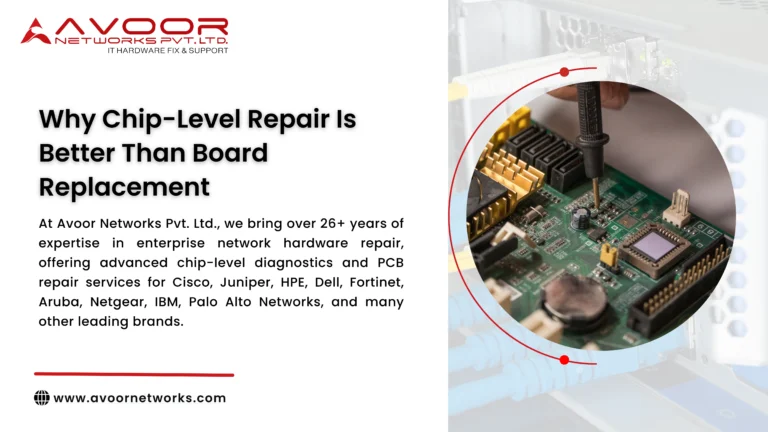
2. Choose Chip-Level Repair When Appropriate
Not every hardware failure requires complete motherboard replacement.
Chip-level repair can address defective:
- ICs
- MOSFETs
- Capacitors
- Voltage regulators
- Power management components
- PHY controllers
- Connectors
Repairing the failed circuit can reduce replacement costs and help restore devices whose complete spare boards are difficult to obtain.
3. Maintain Critical Hardware Spares
Critical data centers should identify equipment that could cause significant disruption if it fails.
Suitable spare strategies may include:
- Backup switches
- Routers
- Firewalls
- Power supplies
- Network modules
- Transceivers
- Fans
Test spare equipment periodically rather than assuming stored hardware will work during an emergency.
4. Implement Preventive Maintenance
The best downtime is the downtime that never occurs.
Preventive maintenance should include:
- Hardware inspection
- Internal cleaning
- Fan testing
- Power supply inspection
- Port testing
- Thermal monitoring
- Error-log analysis
- Component health checks
These activities help engineers identify developing faults before they cause complete failure.
5. Build Network Redundancy
Hardware repair and network architecture should work together.
Data centers can use appropriate redundancy such as:
- Dual power supplies
- Redundant core switches
- High-availability firewalls
- Multiple network paths
- Backup internet connectivity
- Failover configurations
When redundancy works correctly, traffic can continue while failed equipment is diagnosed or repaired.
6. Create a Clear Incident Response Process
When a network device fails, every minute matters.
A structured process should define:
- Who receives the alert
- Who performs initial troubleshooting
- How the failed device is isolated
- When traffic is moved to backup infrastructure
- When repair support is escalated
- How replacement or repaired equipment is validated
Documented procedures reduce confusion during critical outages.
7. Perform Complete Post-Repair Testing
A device powering on does not necessarily mean the repair is complete.
Repaired network equipment should undergo relevant testing, such as:
- Power stability testing
- Interface testing
- Throughput verification
- Thermal monitoring
- Load testing
- Burn-in testing
- Reboot testing
Post-repair validation helps identify unstable or network equipment repair for data centers recurring faults before the device returns to production.
Network Equipment Repair vs Immediate Replacement
| Factor | Professional Repair | Immediate Replacement |
|---|---|---|
| Cost | Often lower | Usually higher |
| Original Hardware | Retained | Replaced |
| EOL Equipment | Can be practical | New equivalent may require migration |
| Configuration Impact | Often minimal | Reconfiguration may be required |
| E-Waste | Lower | Higher |
| Best Use | Repairable hardware faults | Obsolete, insecure or repeatedly failing devices |
Repair should not automatically replace lifecycle planning. Devices with unsupported software, insufficient performance, serious security limitations, or repeated hardware failures may need replacement.
Importance of AMC and CAMC for Data Centers
Structured maintenance contracts help organizations move from reactive repairs toward planned hardware support.
Depending on the agreement, AMC or CAMC services can include:
- Scheduled preventive maintenance
- Priority breakdown support
- Hardware diagnostics
- Repair coordination
- Spare-part management
- Service documentation
For organizations operating large numbers of network devices, this creates a more predictable maintenance framework.
Supporting End-of-Life Data Center Hardware
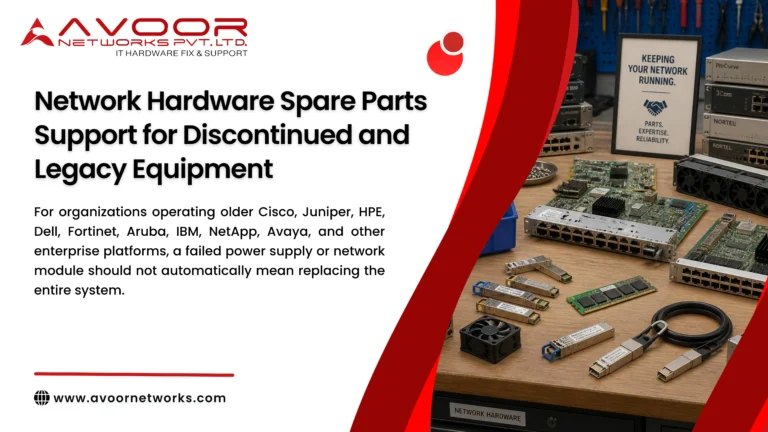
Legacy infrastructure creates a particular challenge because OEM replacement parts and support may become limited.
Professional repair can help extend the usable life of selected EOL devices through:
- PCB-level repair
- Power supply repair
- Port restoration
- Component replacement
- Compatible spare sourcing
- Refurbished equipment support
However, repairing hardware does not restore discontinued OEM software or security support. Critical EOL devices should therefore be assessed as part of a planned migration strategy.
Why Choose Avoor Networks Pvt Ltd?
Avoor Networks Pvt Ltd provides multi-brand enterprise network hardware repair and maintenance support across India.
Our capabilities include:
- Router Repair Services
- Switch Repair Services
- Firewall Repair Services
- Server Hardware Repair
- Storage Hardware Repair
- Chip-Level PCB Repair
- Power Supply Repair
- Data Center Hardware Maintenance
- AMC and CAMC Services
- Refurbished Network Equipment
- Rental and Leasing Solutions
- EOL Hardware Support
- PAN-India Pickup and Delivery
We support enterprise equipment from Cisco, Juniper, HPE, Dell, Fortinet, Aruba, Palo Alto Networks, Extreme Networks, IBM, NetApp, Avaya, Netgear, and other major brands.
Our approach combines detailed fault diagnosis, component-level repair, functional testing, and preventive maintenance to help businesses reduce avoidable hardware downtime.
Conclusion
Data center downtime can affect applications, employees, customers, revenue, and business continuity. Organizations therefore need a repair strategy that combines rapid fault diagnosis with redundancy, preventive maintenance, spare planning, and thorough post-repair testing.
Professional network equipment repair for data centers can restore failed switches, routers, firewalls, servers, storage equipment, and other critical infrastructure while reducing unnecessary replacement costs.
By combining chip-level repair, preventive maintenance, AMC/CAMC support, tested redundancy, and structured incident response, organizations can significantly improve infrastructure resilience.
With Avoor Networks Pvt Ltd as your enterprise hardware service partner, you can build a proactive approach to equipment maintenance focused on minimizing critical downtime and maximizing the useful life of your network infrastructure.